



WinRolla App
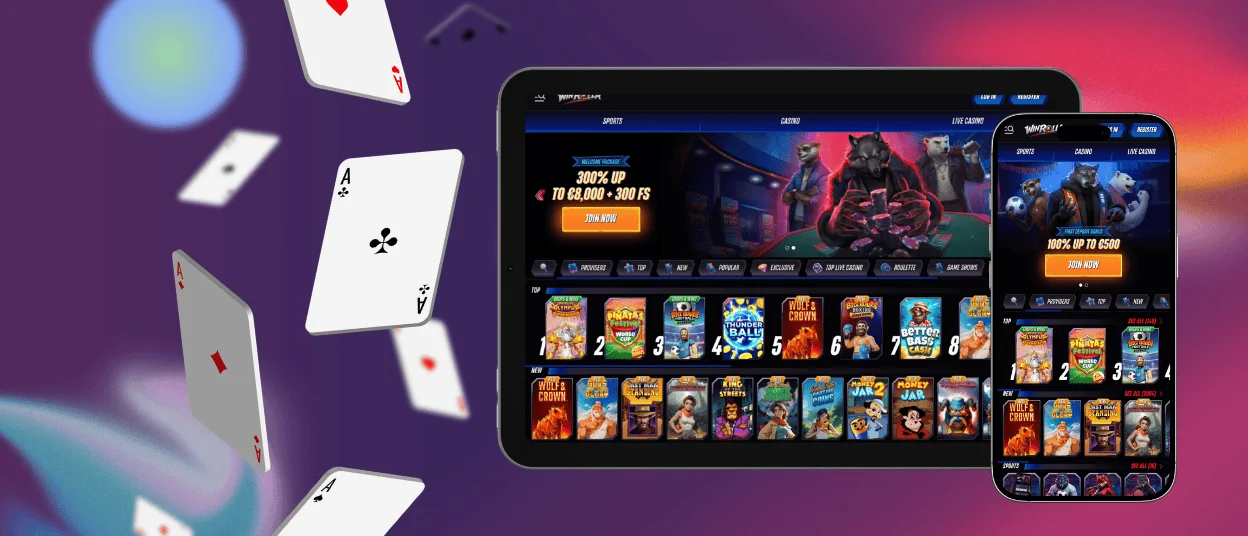
For those who are launching the WinRolla app for the first time, a whole new world of on-the-go gaming opens up. Our software combines all the benefits of the web version while also offering new features.
You can deposit and withdraw funds from your account, play the top mobile casino games, and much more. The verification process is also quite simple; just upload photos directly from your device to confirm your identity and address. The WinRolla Casino application is available for download on Android and iOS devices, as well as on personal computers.



Win Rolla Mobile Casino
For many players, switching from the WinRolla Casino desktop version to the mobile app may seem difficult at first, but it’s not. Being able to launch a game from anywhere in the world is one of the main advantages, allowing you to manage your time however you like. But this is only possible with features like intuitive navigation, which ensures that even a small screen won’t get in the way.
Also, genres like crash games seem as if they were specifically developed for gameplay at the WinRolla app. They’re fun to play thanks to the fast pace of the sessions and simple rules, which let you start or pause a session at any time without losing anything. And the intense gameplay helps you enjoy even a five-minute session.
What Is PWA?
The main technology used to develop the mobile version of WinRolla Casino is PWA, which has allowed us to reap certain benefits. For example, the app is installed directly from our website, which, unlike APKs, eliminates unnecessary risks for users that could allow scammers to gain access to their data or finances.
This technology also makes the application accessible to players who do not have access to a stable internet connection, since the Win Rolla app is practically weightless and can be installed in a matter of seconds.
Mobile Application for Android
To install the WinRolla app on your Android tablet or smartphone, you don’t need to visit the Play Store or any other third-party sources. To download it, simply follow the instructions below:
- Open our website in any browser of your choice
- Find and tap the menu button
- Choose a name for the app and tap “Add to Home Screen”
- Wait for the icon to appear on your device’s screen
After that and a quick sign-in, you can begin your journey. Future logins are also streamlined with the autofill feature. Just one tap, and you’ll be right in the game at WinRolla.
Mobile Application for iOS
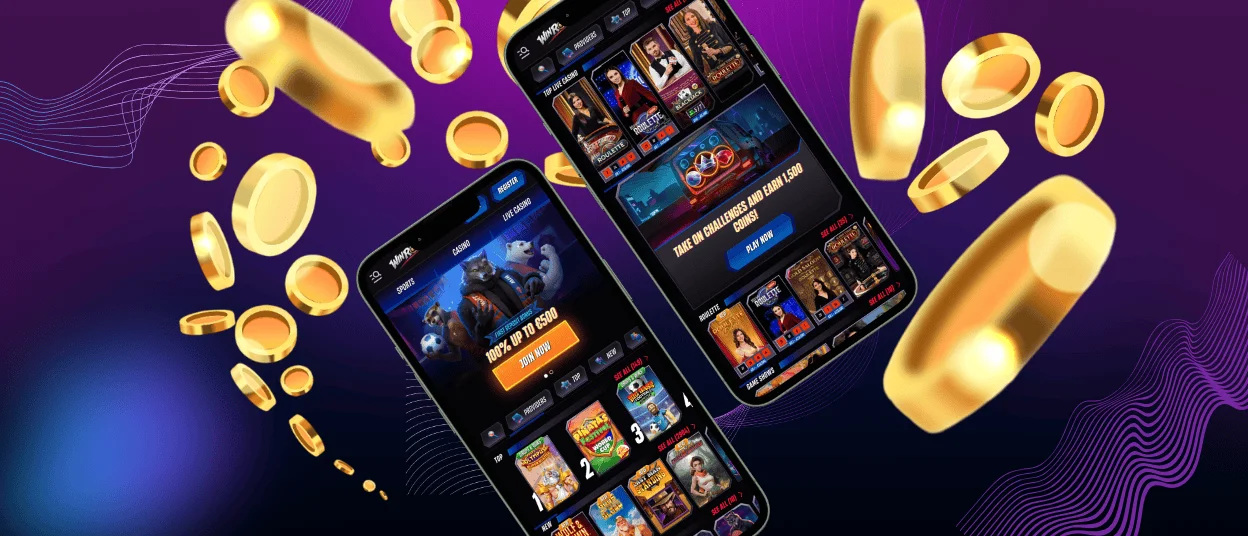
On the iPhone and iPad, the process for installing WinRolla Casino is also virtually the same as before and requires just a few steps. Simply visit our website using your preferred browser and tap the “Share” button; you’ll then need to choose a name for the app and confirm the installation by tapping the “Add to Home Screen” button.
You’ll then see the WinRolla app icon on your device; tap it to log in. If you haven’t registered yet, you can take advantage of promotions such as the welcome bonus or the referral link, which will earn both you and your friend rewards for playing on the site.
Desktop Access on Windows and macOS
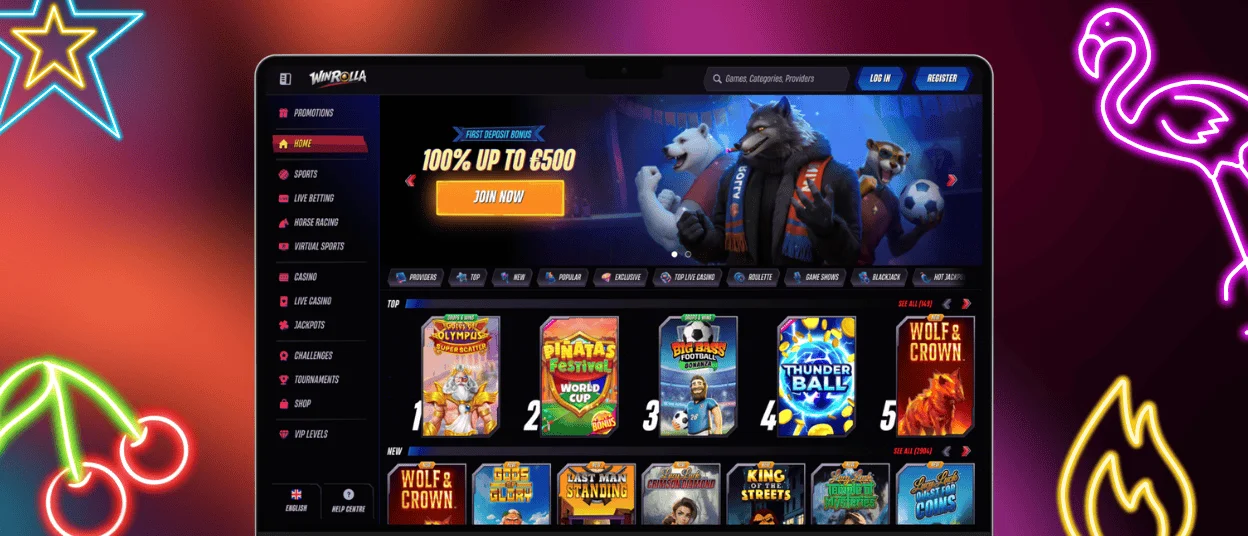
Win Rolla Casino also offers a separate version for personal computers, which has its own advantages. Thanks to the native full-screen mode, your gaming experience will be much more immersive, and you’ll be able to appreciate the intricate details of top-tier online slots from leading providers even better. Plus, with an icon on your desktop, you can launch the app with a single click, without wasting time entering a URL or performing other unnecessary steps.
To download the WinRolla app on your computer, simply open the website and locate the button in the address bar; clicking it and confirming will start the installation. After that, you can begin your journey on the platform and enjoy all its benefits.
How to Use the Mobile App
The WinRolla Casino works well in all browsers, but users who are always on the go will find the dedicated mobile app to be a much smoother experience. The main advantages over the browser version are described in the table below:
| Advantage | Description |
| Loading Speed | Pages and games load significantly faster thanks to native optimization and cached data. |
| Seamless Navigation | Smooth swiping and instant transitions between sections without page refreshes. |
| Customizable Push Notifications | Receive personalized alerts for bonuses, promotions, and game updates directly on your lock screen. |
| Reduced Energy Consumption | Uses less battery and mobile data than heavy browser scripts. |
| Offline Access | View your balance and game history even without an internet connection. |
| Automatic Updates | The WinRolla app updates itself, ensuring you always have the latest version. |
FAQ
Are all games available in the app?
All games are fully available to anyone who has installed the mobile version of Win Rolla Casino. There are no restrictions either, since the games are designed to automatically adapt to the screen resolutions of different devices.
Are my deposits secure when using the application?
Transactions within the WinRolla Casino application are just as secure as they are on the web version. So you don’t have to worry about your finances, thanks to technologies such as PCI DSS-compliant payment processing.
Can I get customer support from the mobile app?
Yes, the “Help Center” button is in the Win Rolla application and offers several support channels to choose from. Our support team is available via live chat and email. Or take a look at the FAQ section for answers to common questions from players.


